Multi-character AI scenes fail in predictable ways. Nobody was measuring them.
Midjourney can generate a single figure with impressive reliability. Add a second person and you start losing control. Add a third and the image begins making its own decisions: extra figures appear, roles collapse, bodies merge, the scene you described becomes something else entirely.
After years of working with AI image generation alongside traditional design practice, I kept running into the same wall. The tools were powerful but unverifiable. You could generate thousands of images and never know if the prompt was actually controlling the output or if you were just getting lucky with the seed.
Most of what circulates in the Midjourney community is prompt tips and style tricks: what to add, what to avoid, what parameters help. Very little of it is documented, tested, or repeatable. Nobody was treating prompt engineering the way a production designer treats a brief: as something with defined criteria, measurable outcomes, and a methodology for knowing when it works.
The question wasn't "can AI generate good images?" It was "can I control what it generates well enough to use it professionally?"
The design brief behind PRZEMPRZEM started as my attempt to answer that question systematically. Not with a single impressive image but with a repeatable, documented workflow that could tell me, with evidence, what was actually controllable and what wasn't.
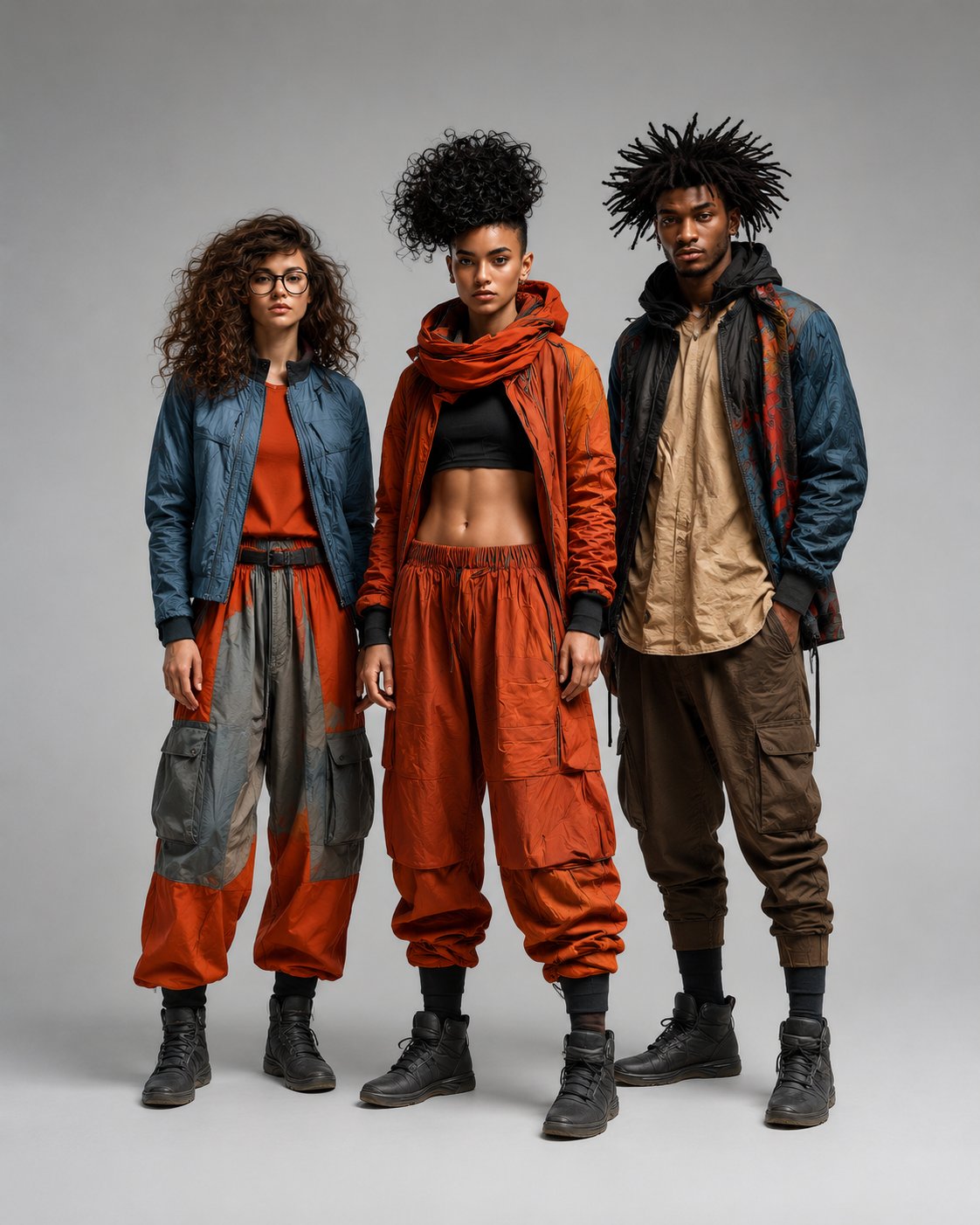
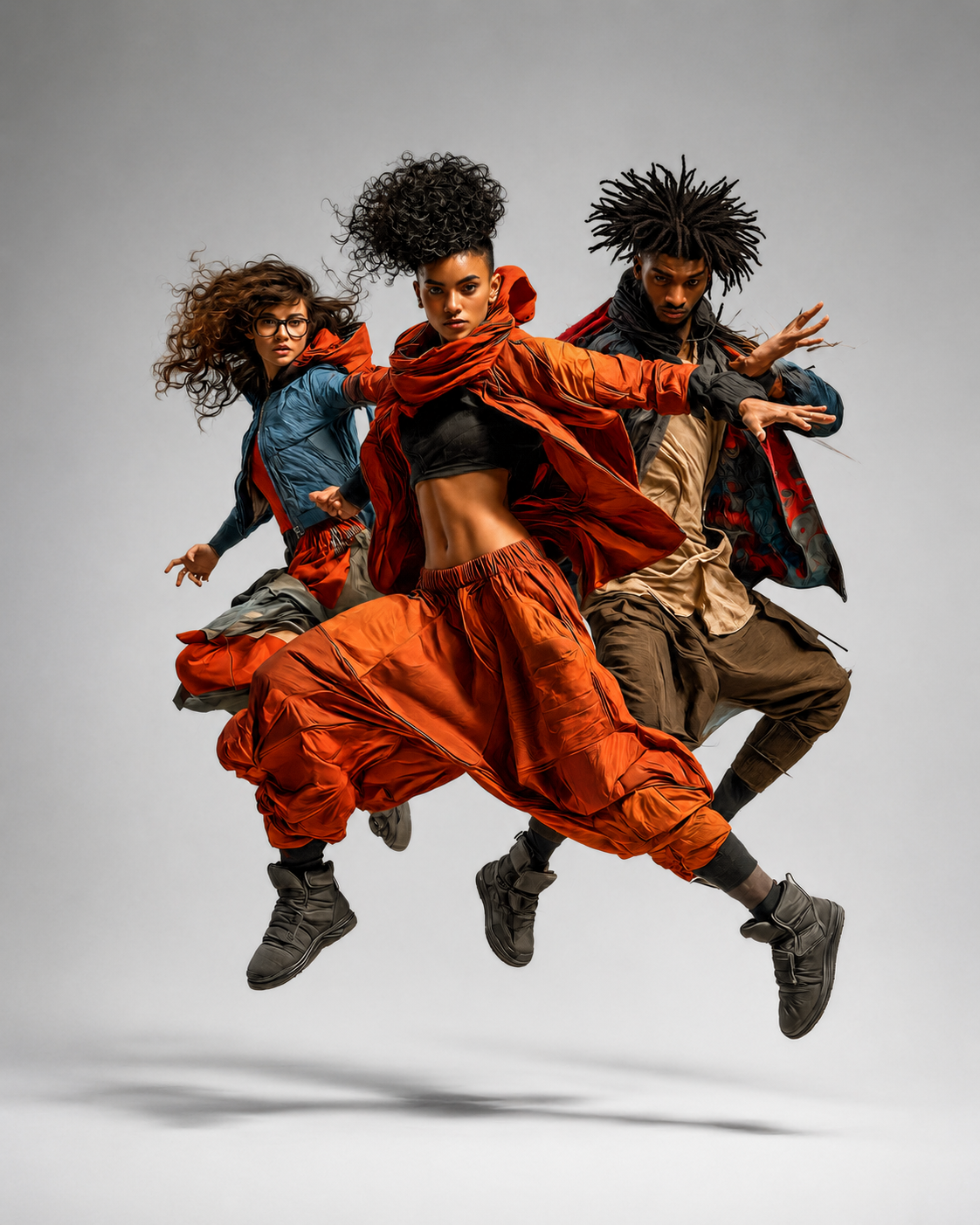
PRZEM is not a prompt generator. It is a testing system.
That distinction matters. A prompt generator gives you output. A testing system tells you whether the output is doing what you asked it to do, and builds a documented record of what works.
The core of PRZEM v0.4 is the Stage tool: a browser-based interface that lets you define three-figure scene relationships through a set of named presets: The Push, The Witness, The Triangle, The Support, The Presentation. Each preset encodes a specific human relationship in spatial, gestural, and narrative terms, then translates that into a structured Midjourney prompt.
But the tool itself isn't the product. The validation methodology is the product. Every preset goes through a formal testing cycle: four-image batches, individual image scoring against defined criteria, pass/fail thresholds, archived run logs, and scorecard documentation. The 4-image batch, not the best single image, is the validation unit.
This approach came directly from my background in production design and print work. You don't ship a piece because one proof looked good. You verify it against the spec, document the result, and keep the record.
Every run is scored. Every result is archived.
The Minimal Gray Studio was chosen as the baseline environment deliberately. A controlled, featureless setting eliminates environmental contamination: extra people drawn in by a busy background, setting details that overpower the relationship, lighting that obscures figure separation.
Before any scene could be validated in a real-world environment, it had to pass in the studio. That sequencing was non-negotiable.
| Step | Action | Output |
|---|---|---|
| 1 | Run 4-image batch from Stage tool prompt | 4 MJ images, seed logged |
| 2 | Score each image individually against 6 criteria | Individual image scorecard |
| 3 | Apply fast-fail rule: wrong figure count, stop scoring | Fail notation, no full review |
| 4 | Assess overall batch: pass count, pattern, WARN flags | Batch assessment |
| 5 | Diagnose failure patterns across the run | Criteria diagnosis notes |
| 6 | Archive ZIP: images + scorecard + run log | Named archive with seed |
| 7 | Verdict: KEEPER / ALMOST / FAIL | Preset status updated |
A result of 3/4 or better earns KEEPER status. 2/4 is ALMOST: validated with caveats. 1/4 or less is FAIL: the preset goes back for recode. One primitive, Rescue, was retired entirely after v0.2 testing revealed it was structurally unstable across all conditions.
The prompt was generating a fourth figure. We found out why.
The Support preset was the most difficult in the v0.4 cycle. It failed completely in its first validated run: 0 of 4 images passed. All four images generated a fourth figure, which failed the most fundamental criterion before scoring could even begin.
The blocking map was being read as crowd-positioning logic.
An invisible unit-distance spacing system embedded in the prompt, intended to communicate figure positions to Midjourney, was instead being interpreted as a seating chart. The model generated a fourth figure as a spatial anchor point. Removing the blocking map and anchoring F2 as seated upright on a studio block moved The Support from 0/4 to 4/4 in a single corrected run.
What the old prompt did
The original Support preset described F2 in a "lowered position" with "expression distressed": open-ended instructions that Midjourney resolved dramatically every time. Combined with the blocking map, the model generated collapse poses, near-falls, and restraint scenarios. None of them read as calm assistance.
What the recode did
The rewrite anchored F2 physically: "seated on a simple low gray studio block, upright but slightly weakened, not collapsed, not lying down, not kneeling." Specific wardrobe colors replaced vague descriptors. The blocking map was removed. One clean contact point was defined. The scene resolved correctly on all four images.
Consistent 4-figure generation
All images failed on figure count. Blocking map identified as likely cause. Pose instructions left F2's position dangerously open.
Blocking map removed, preset recoded
Wardrobe made color-specific. F2 anchored as seated. Explicit pose negatives added. Composition described as three distinct silhouettes: helper left, supported center, observer right.
4 of 4: all criteria passing
Figure count held. Wardrobe separation landed. Contact point read correctly. Scene intent clear across the full batch.
Five presets tested. Five validated. One retired.
All five PRZEM relationship presets produced keeper archives under the controlled Minimal Gray Studio baseline. The full validation cycle is documented, archived, and reproducible.
Validated. Push readability and contact-point legibility remain monitoring items for stress testing.
Stable in baseline. Public settings carry higher bystander risk and are classified as stress-test environments.
Most spatially stable preset in the cycle. Held figure count, geometry, and intent across all four images.
Validated after full prompt recode. Blocking map removed. Seated/upright anchor resolved all failure conditions.
Presenter/observer roles readable and stable. Framing drift (waist crop) is a documented open item.
Structurally unstable across all test conditions. Retired after v0.2. The retirement is itself a validated finding.
Four independent layers of creative control.
What separates PRZEM from a prompt builder is the layered architecture. Each control layer is independent, optional, and additive. The structural layer holds regardless of what the creative layers do with it.
Spatial Relationships
Who is where, how they relate, what the scene reads as. The Stage tool manages figure count, role assignment, position, body orientation, and gaze direction across a defined scene plane. This is the structural foundation everything else builds on.
Joint-Level Body Control
A draggable 14-joint skeleton rig, covering head, neck, shoulders, elbows, hands, spine, hips, knees, and feet, for each figure individually. Pose geometry exports as prompt-ready coordinate notes. Currently in validation testing as part of v0.5.
Editorial Tone and Atmosphere
An optional user-defined moodboard field that steers color, lighting, texture, wardrobe direction, and overall editorial feel. Leave it blank for clean validated output. Add your own reference to push the image toward a specific creative vision.
Visual Language
An optional --sref code field that lets users inject their own style reference directly into the prompt. The structural preset holds the scene stable. The style reference controls the visual language it speaks in.
A new user runs the tool with blank moodboard and sref fields and gets a clean validated output. Then they start experimenting and the creative range opens up. The learning curve is self-directed, not imposed.
Design principle behind the optional layer architectureThe baseline is proven. The next question is how far it holds.
v0.4 answered whether the relationship presets work in a controlled environment. v0.5 asks whether they survive the real world, and whether the spatial and pose controls actually produce measurably different outputs.
Baseline Validation
Five presets, Minimal Gray Studio, documented methodology, full archive. The foundation is proven.
Stress Testing + Pose Validation
Empty Gallery, Corporate Hallway, Civic Lobby. Spatial control validation. Pose Generator through the same scorecard protocol.
Creative Layer Formalization
Moodboard and sref as formal user-controlled fields. The creative layer built into the tool architecture properly.
Environment Control
Scene selection, set dressing, furniture and prop placement. The full director's toolkit. Each version builds on validated ground from the last.
The validation framework is what ties the suite together as a serious product rather than a collection of experiments. By the time environment control is ready, there will be documented evidence of how Midjourney responds to scene language across a range of real-world settings.
That's the difference between a tool that generates images and a system that produces reliable, intentional creative output.